Configuring an Endpoints Group
After adding a group to OVOC as shown in the OVOC User's Manual, you can add an endpoint - or multiple endpoints - to that group as shown here under the action Change Group, and then you can configure the endpoints in the group as shown below. The feature benefits a customer who wants for example 10 of 500 phones in a site in their enterprise organized in a group for a software upgrade to apply exclusively to the 10 phones in that group. In contrast to sites, groups are logical entities but configuration of both are identical; both are per tenant.
|
➢
|
To configure an endpoints group:
|
|
1.
|
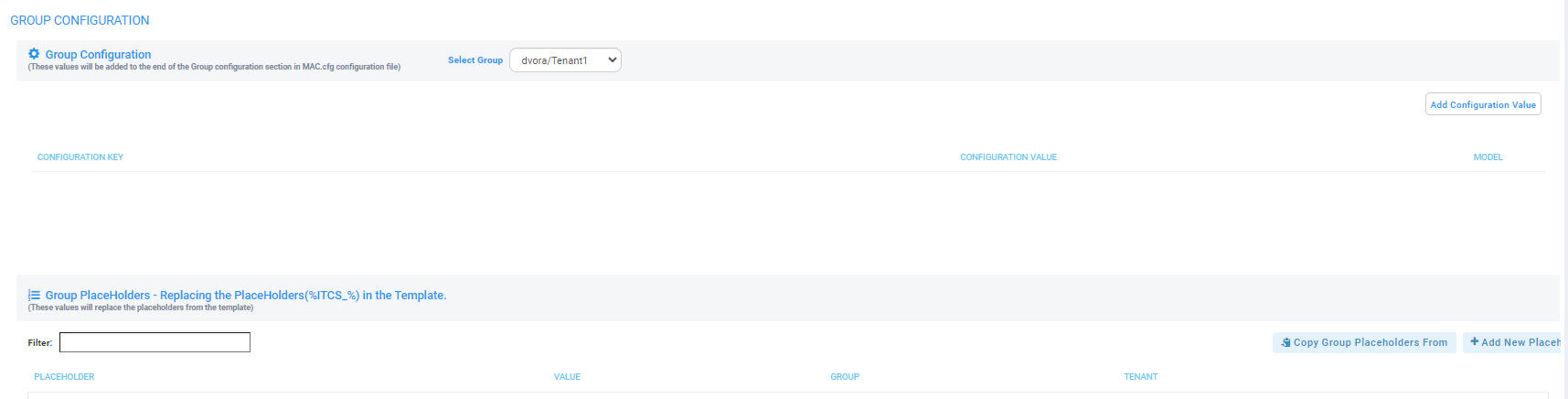
Open the Group Configuration page (Setup > Configuration > Group Configuration).
|
|
2.
|
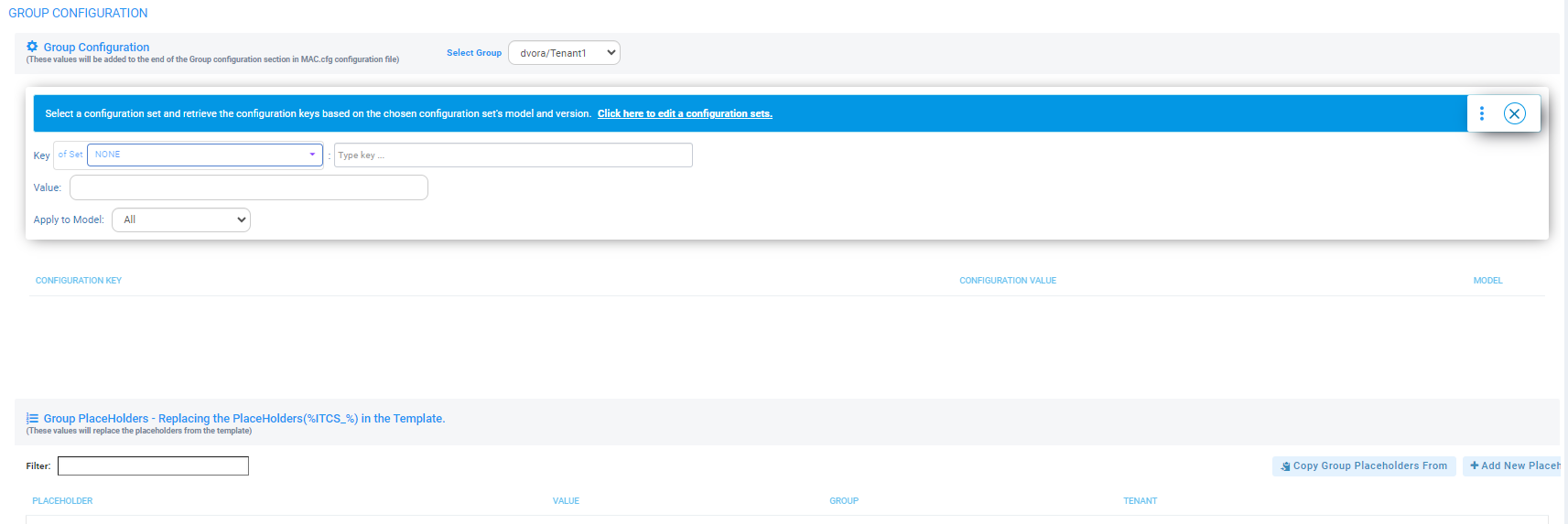
Click the Add Configuration Value button. |
|
3.
|
From the 'Select Group' drop-down, choose the group under which you want to organize endpoints.
|
|
4.
|
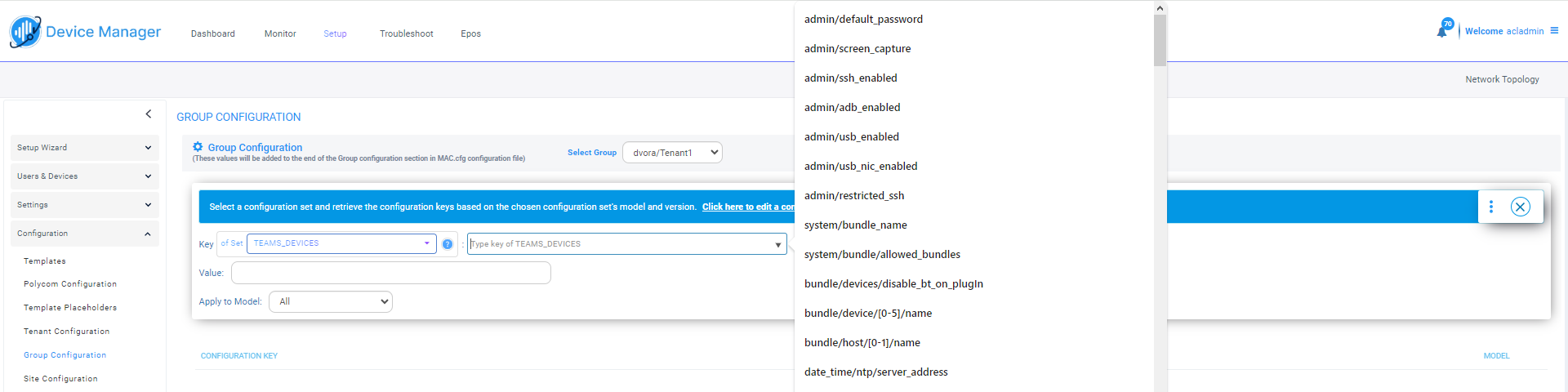
From the 'Type Key' drop-down, select a parameter to configure for the endpoints group. |
|
5.
|
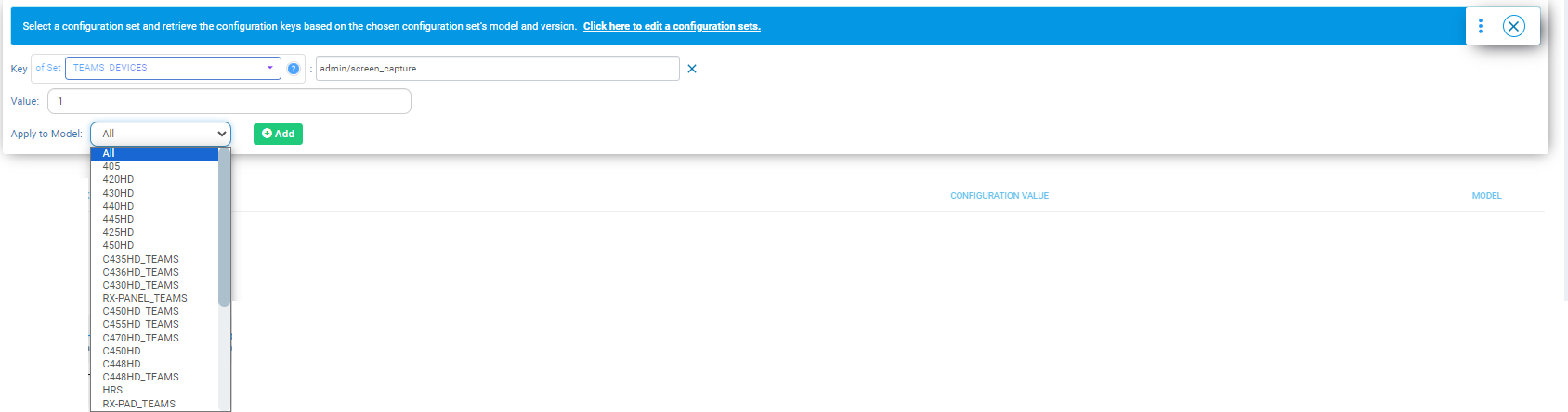
Provision the parameter with a value and then click Add. |